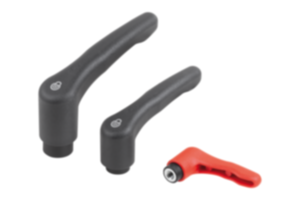
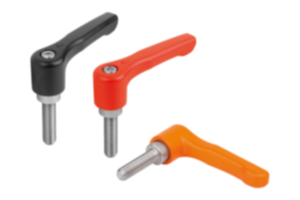
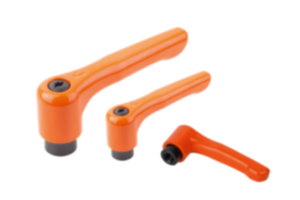
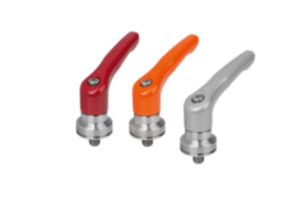
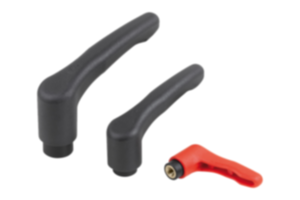
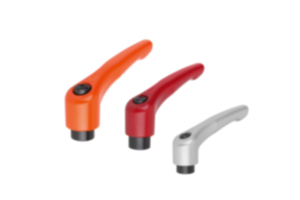
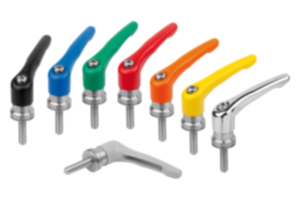
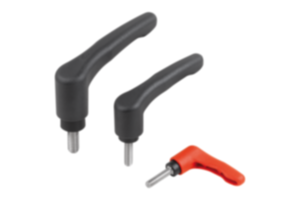
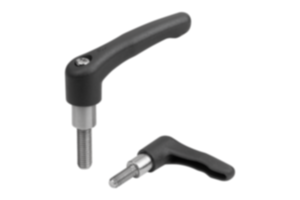
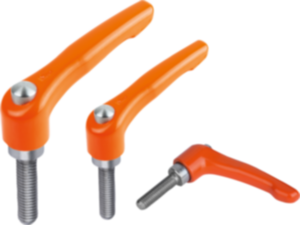
Clamping lever with push button plastic traffic red RAL 3020 06601-73208
- The clamping lever stands for reliability, stability and versatility
- Makes it easier to clamp devices or machine parts
- Application fields: machine construction, plant construction, rehabilitation and medical technology, furniture industry
- Push button eases the release and makes handling the lever safer.
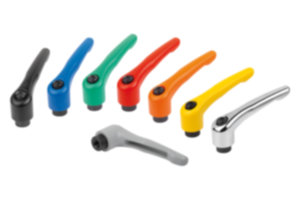
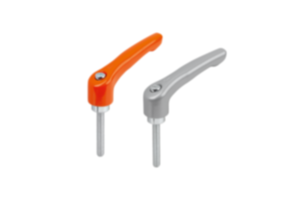
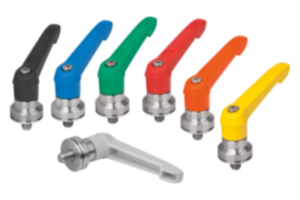
- Various colour combinations
Sales unit
€7.48
plus sales tax
Added to your shopping cart
Denominazione
Maniglia a leva
Versione 1
con pulsante
Materiale
Corpo base
plastica
Colore
Corpo base
rosso traffico RAL 3020
Materiale
Componente
acciaio inox
Colore
Componente
grigio nerastro RAL 7021
A1=Lunghezza maniglia
75
H3=Altezza impugnatura
41,5
T=Altezza di filettatura
12
X=Filettatura
M8
A
65
B
9,5
Codice UNSPSC
31161600
D
13,5
D1
18
D2
19,5
Dimensioni
2
H
29,5
H1
6,5
H2
17,5
H4
45,5
Numero di denti
20
Tipo di filettatura
filettatura interna
~ CONFLICT MINERALS 3TG status
no intentional 3TG
~ CP65 substance 2 cancer
nickel (metallic)
~ PFAS free?
yes
~ REACH SVHC-free?
yes
~ RoHS conformity
yes, without exemption
~ TSCA 6(H) conformity
yes
Description
Material
Handle fibreglass reinforced plastic, toothed ring die-cast zinc.
Metal parts stainless steel 1.4305.
Push button plastic (POM).
Version
Steel parts bright.
Note
∆ Enter the desired lever colour here.
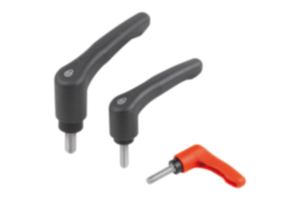
The standard colours are:
Black grey clamping lever, traffic red push button.
Orange clamping lever, black grey push button.
Traffic red clamping lever, black grey push button.
The standard colours are:
Black grey clamping lever, traffic red push button.
Orange clamping lever, black grey push button.
Traffic red clamping lever, black grey push button.
On request
Other threads and special versions.
Dimension “H1” available in other lengths at extra charge.
Dimension “H1” available in other lengths at extra charge.
Important note on downloading CAD models
In order to download our CAD models, you must log in first. If you have not created an account yet, please register under "My Account" (right side of the screen) and follow the instructions.
Other customers also bought